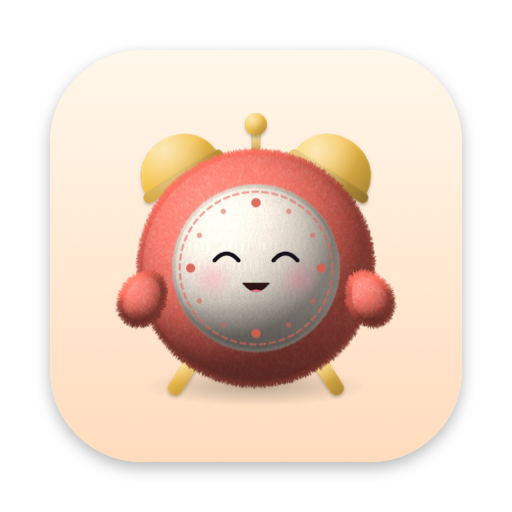







Companion brings a plush desk buddy to your Mac to help you build better habits by reminding you to hydrate, stretch, and rest, while staying right by your side during deep focus.
Press kit
Companion, a plush desktop pet for your Mac.
Everything you need to write about Companion: the facts, a ready-made pitch, the app icon, screenshots and the launch films.
At a glance
Fact sheet
- App
- Companion: Cute Desktop Pet
Desk Buddy & Stretch Reminder - Developer
- Aneudy Adames, a solo indie developer
- Platform
- macOS 13 Ventura or later, on the Mac App Store
- Launch
- October 2026
- Price
- Free, with optional Companion Pro: $3.99/month (3-day free trial), $19.99/year (7-day free trial) or $49.99 once
- Category
- Productivity, Entertainment
- Website
- meetcompanion.app
- Privacy
- No account, no tracking, no ads. Privacy policy
- Characters
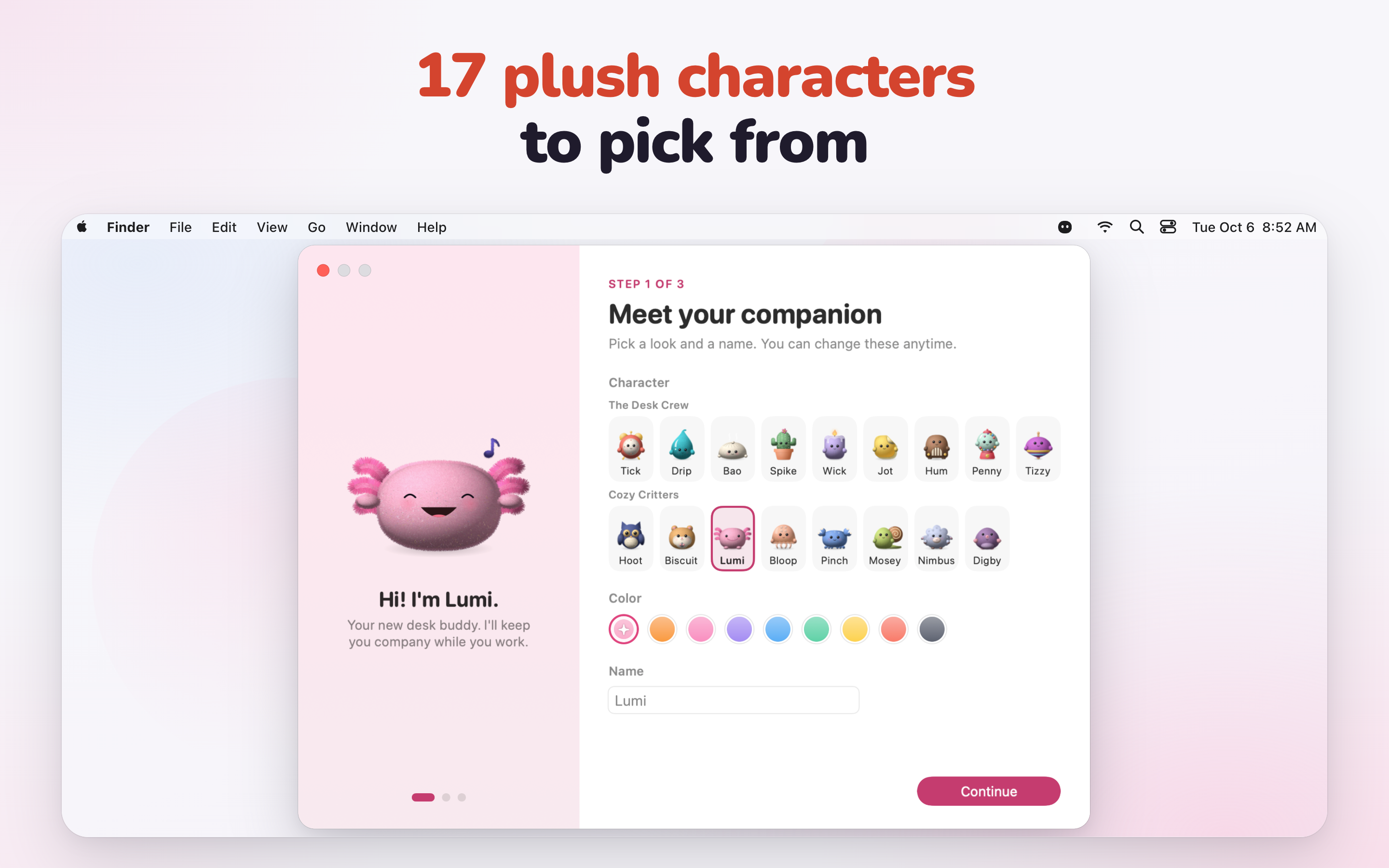
- 17 original plush characters, 3 of them free
- App Store
- apps.apple.com/app/id6819706490
In a few words
The pitch
Use either one as is, or quote from it.
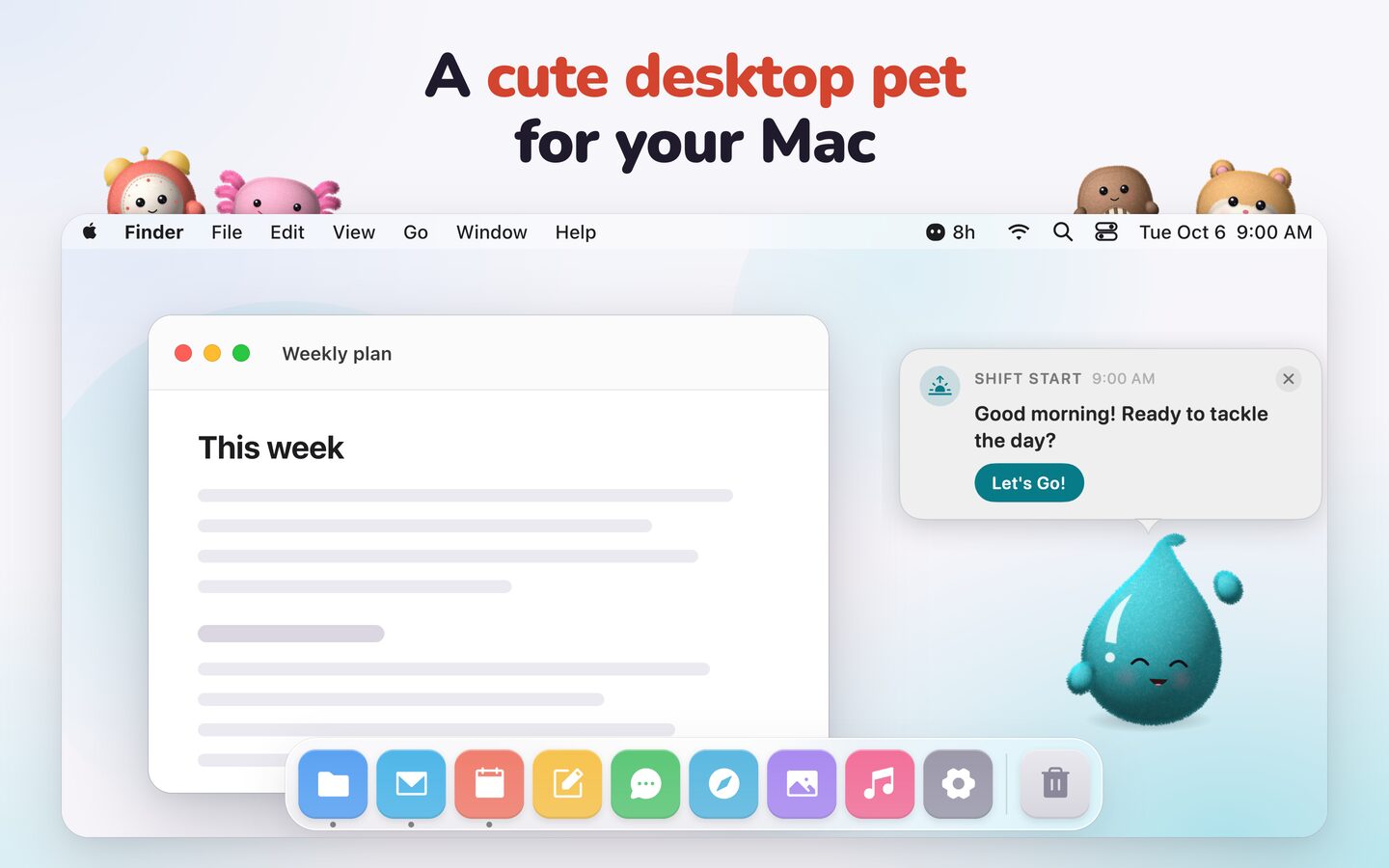
Companion is a desktop pet for the Mac. Pick from 17 original plush characters, from Tick the alarm clock to Lumi the axolotl, and it lives on your Dock all day. It knows your hours and nudges you to drink water, stand up, and rest your eyes in a friendly speech bubble instead of a harsh alert. Start a Pomodoro timer and it stays right by your side, keeping you focused until your session ends. It plays lo-fi beats made on your Mac, naps when you step away, and uses about 0.1% CPU. No account, no tracking. Free, with optional Companion Pro.
What it does
Key features
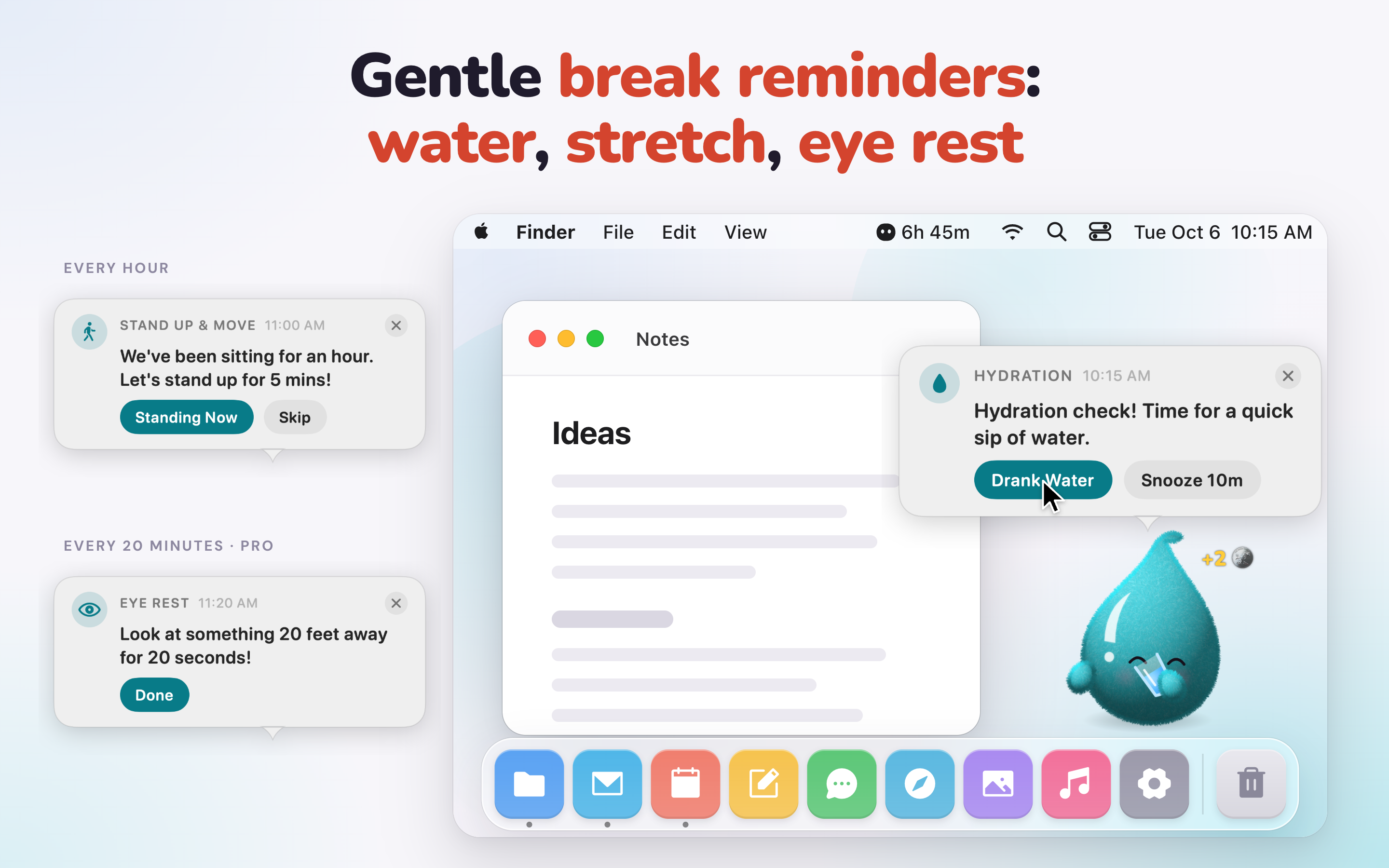
Gentle break reminders
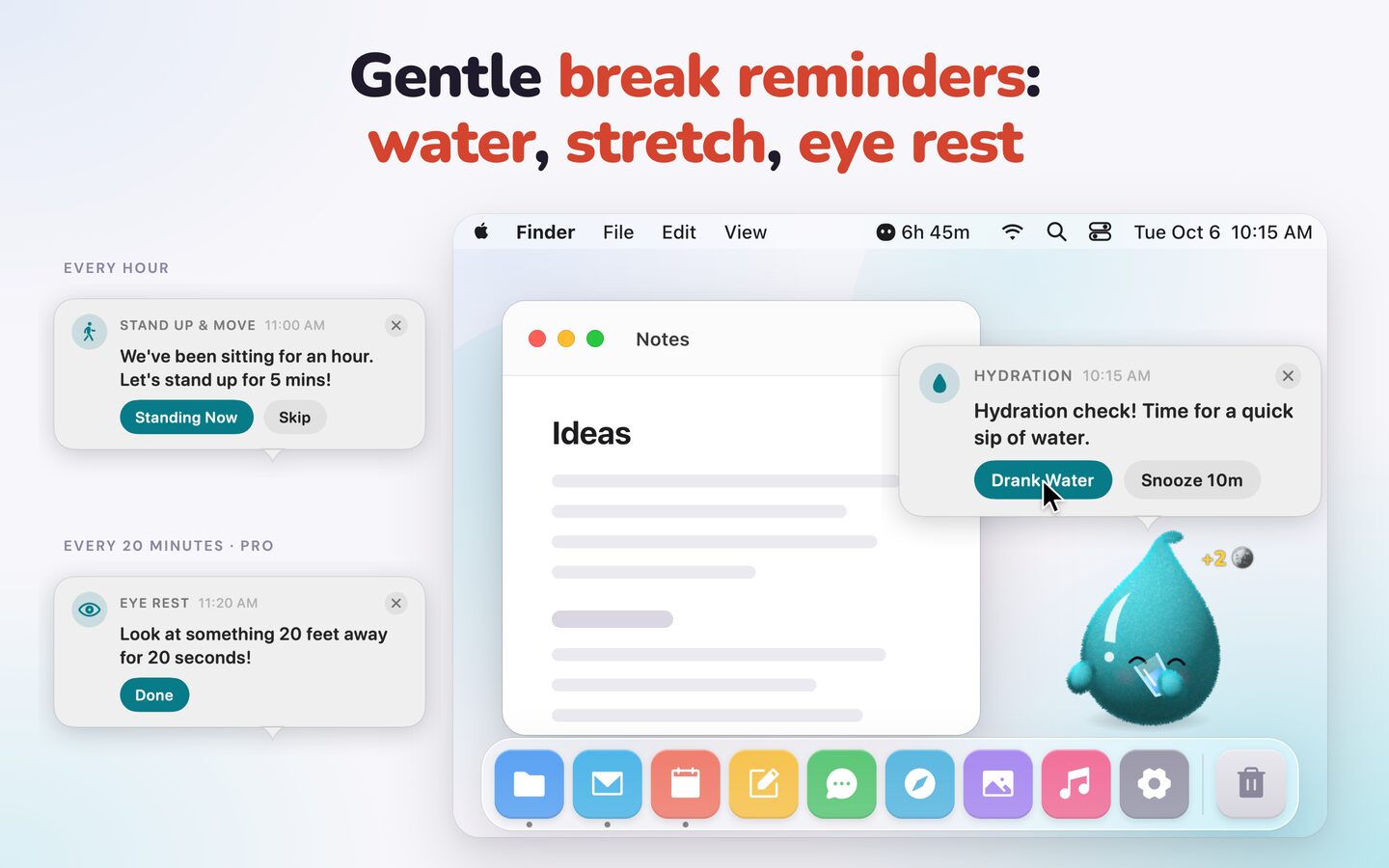
Set your hours once. Your pet reminds you to drink water, stand up, go to lunch and wrap up on time, in a speech bubble instead of an alert. Eye-rest reminders (20-20-20) come with PRO. It goes quiet during Focus mode and naps when you step away.
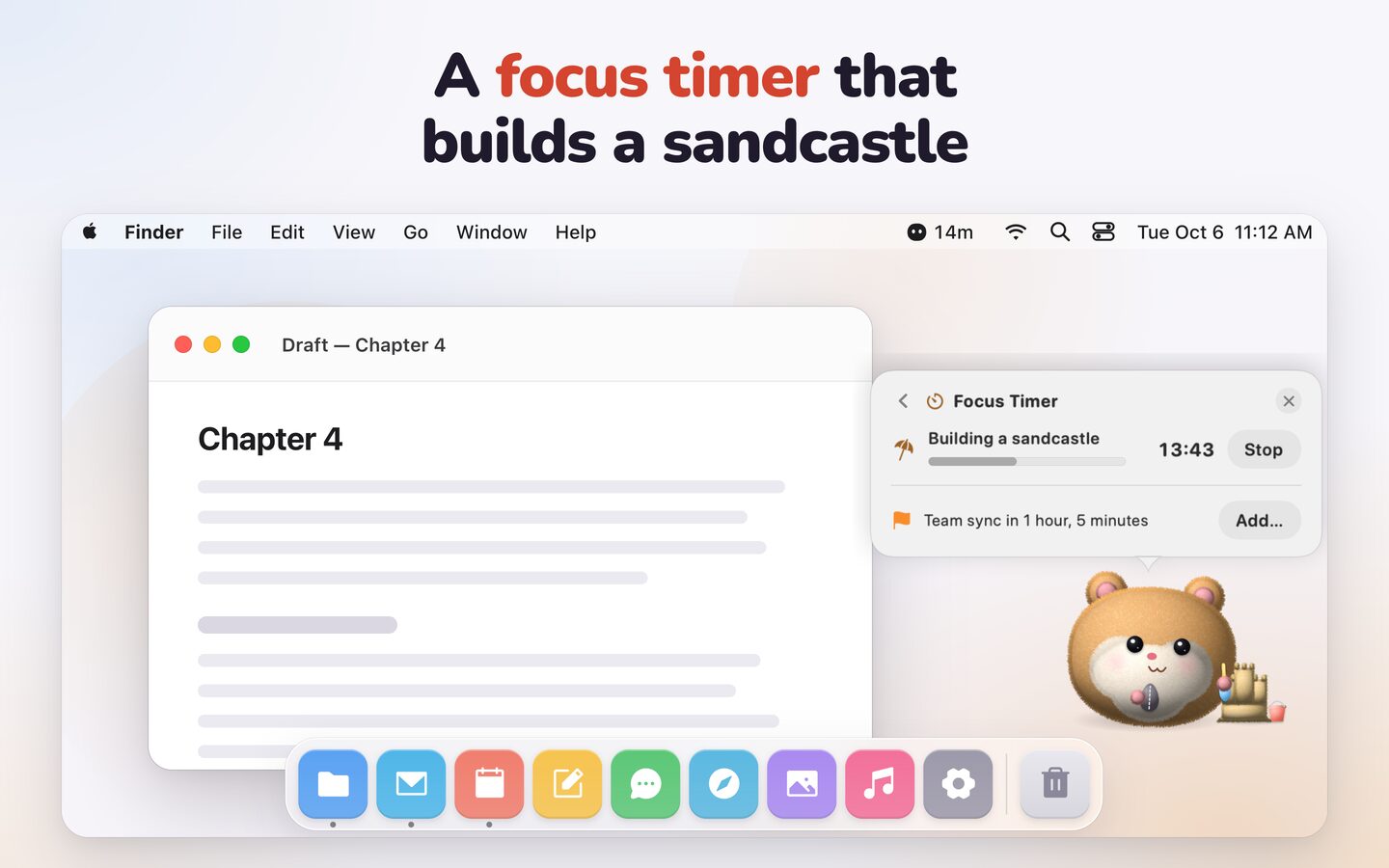
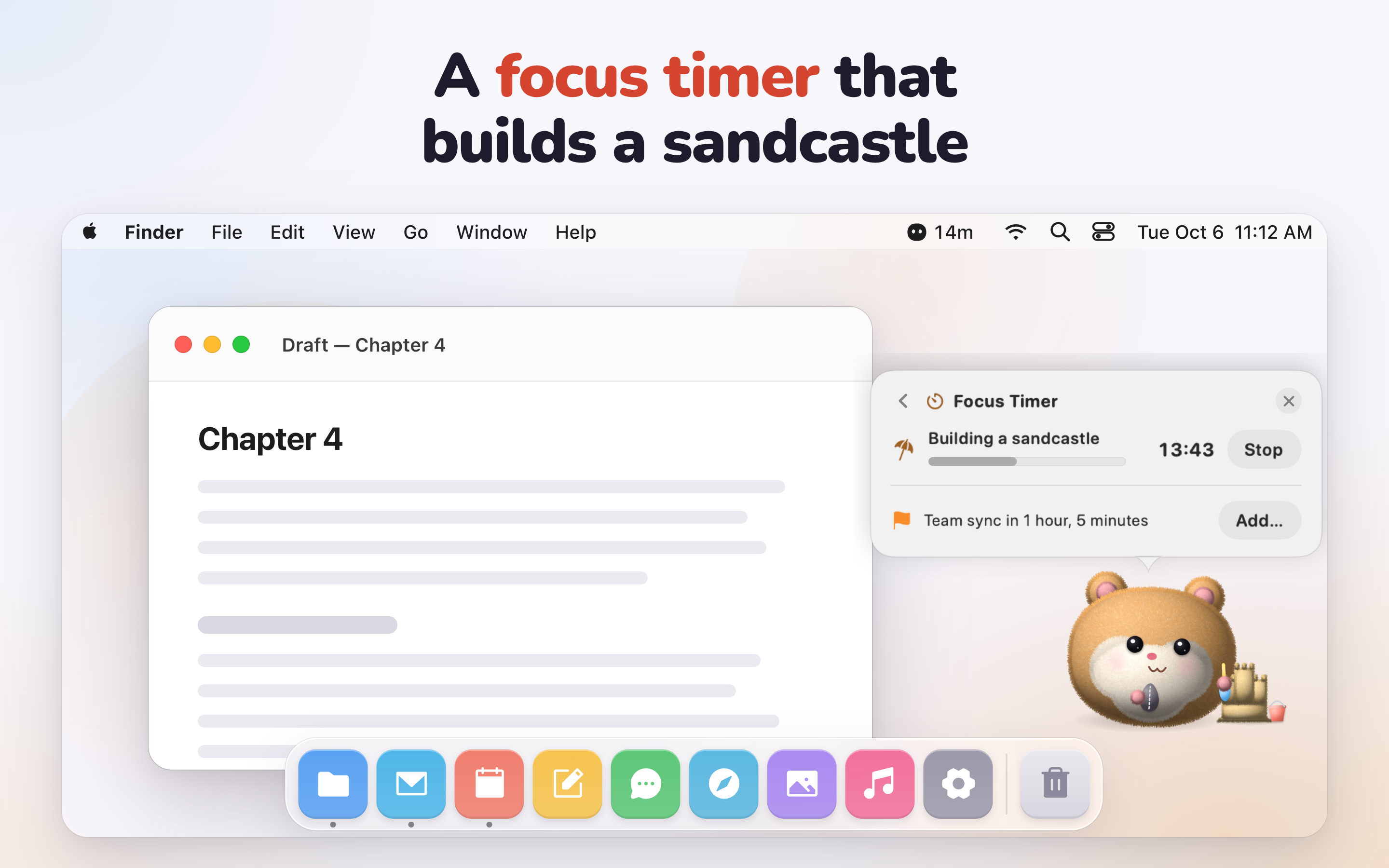
A focus timer that builds something
Start a Pomodoro and your pet builds a sandcastle, stacks books or brews coffee beside you. The last piece lands the moment the timer ends. Every timer length and the stopwatch are free.
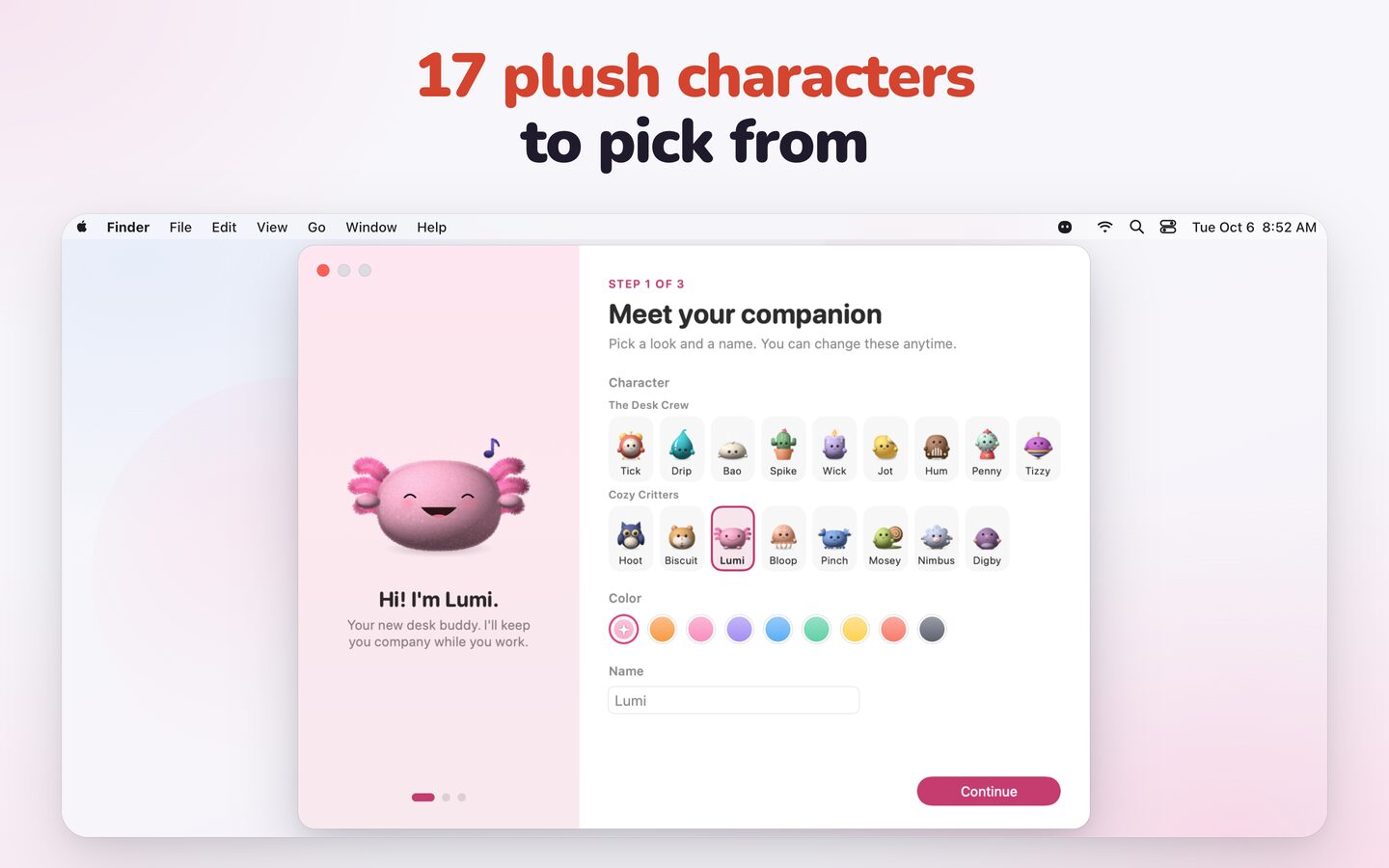
17 plush characters
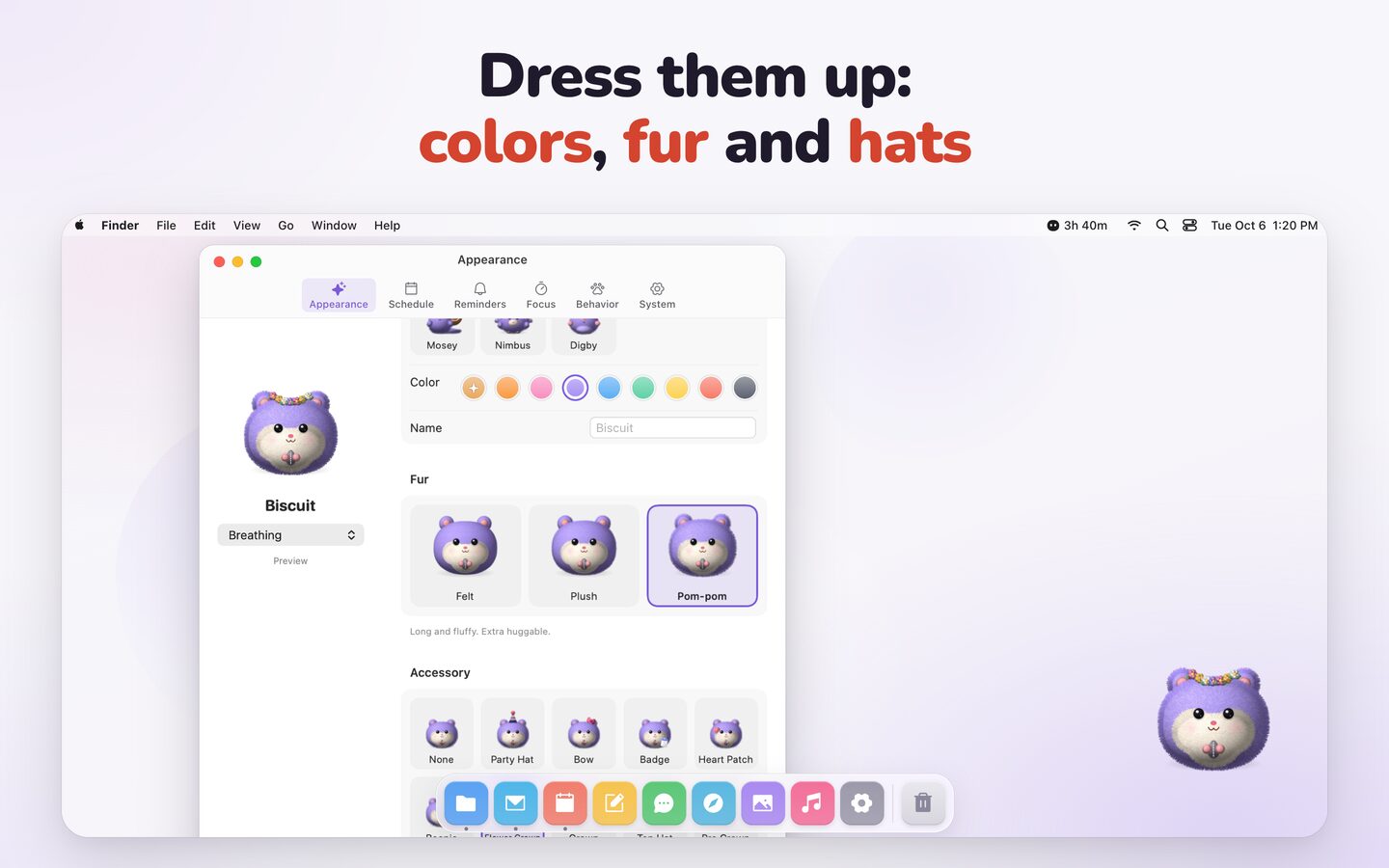
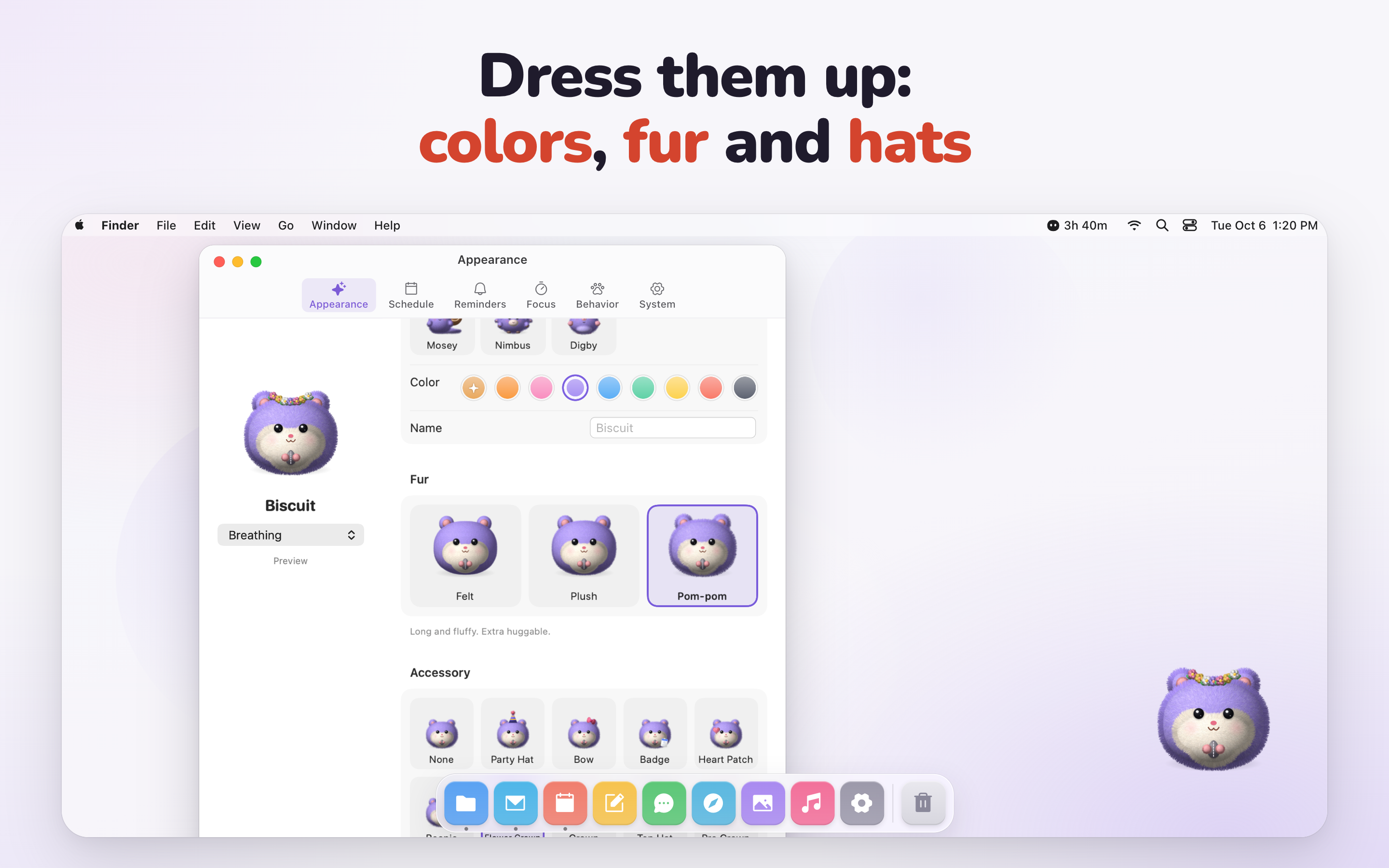
Tick the alarm clock, Drip the water droplet, Bao the steamed bun, Lumi the axolotl and 13 more. Pick colors and fur, buy hats with coins earned from healthy habits, and wear holiday hats free in season.
It feels alive
It walks along your Dock, grooves to Apple Music and Spotify, holds an umbrella when it rains (optional weather), gets dizzy when you shake it and purrs when you pet it with the pointer.
Cozy focus tools
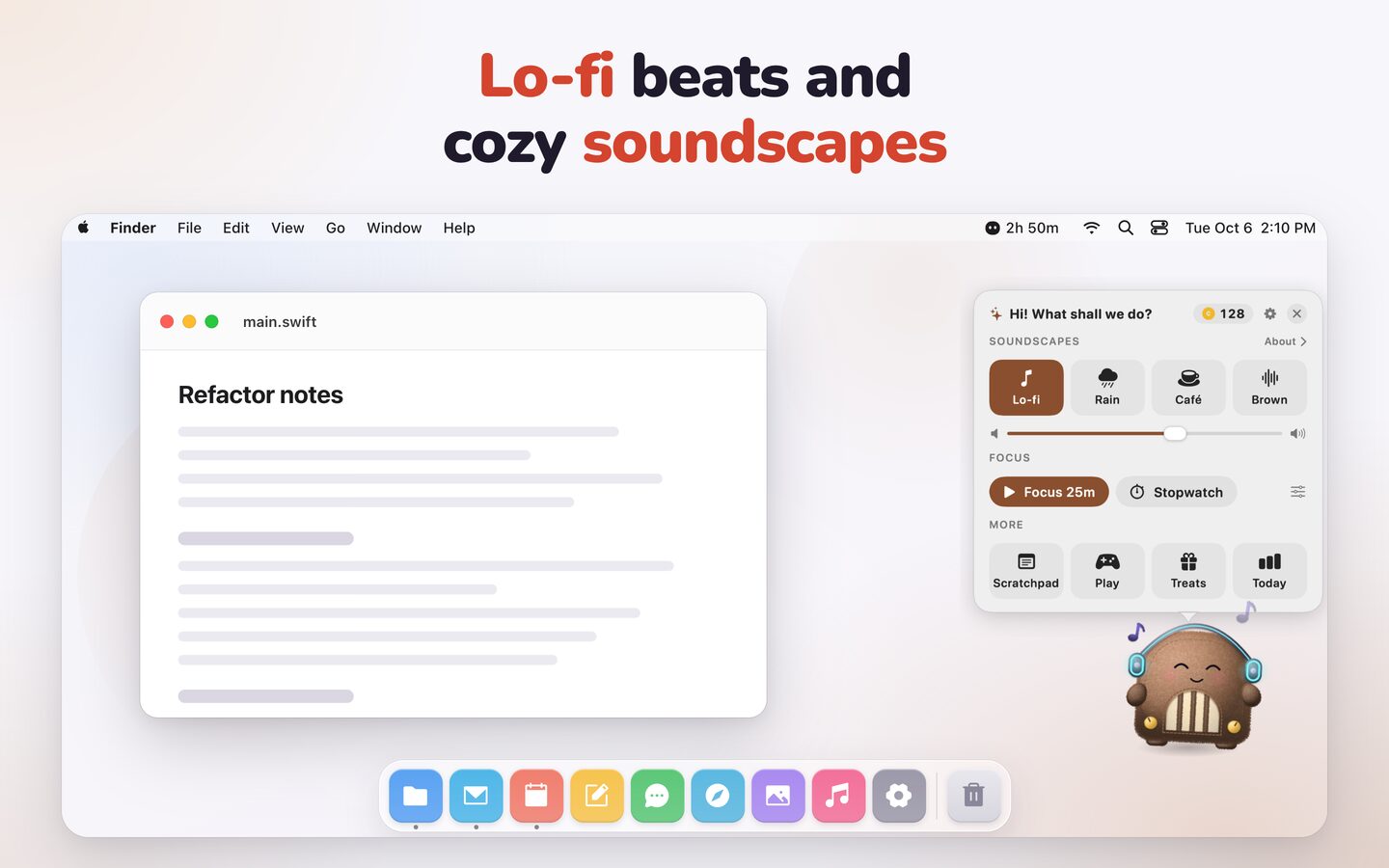
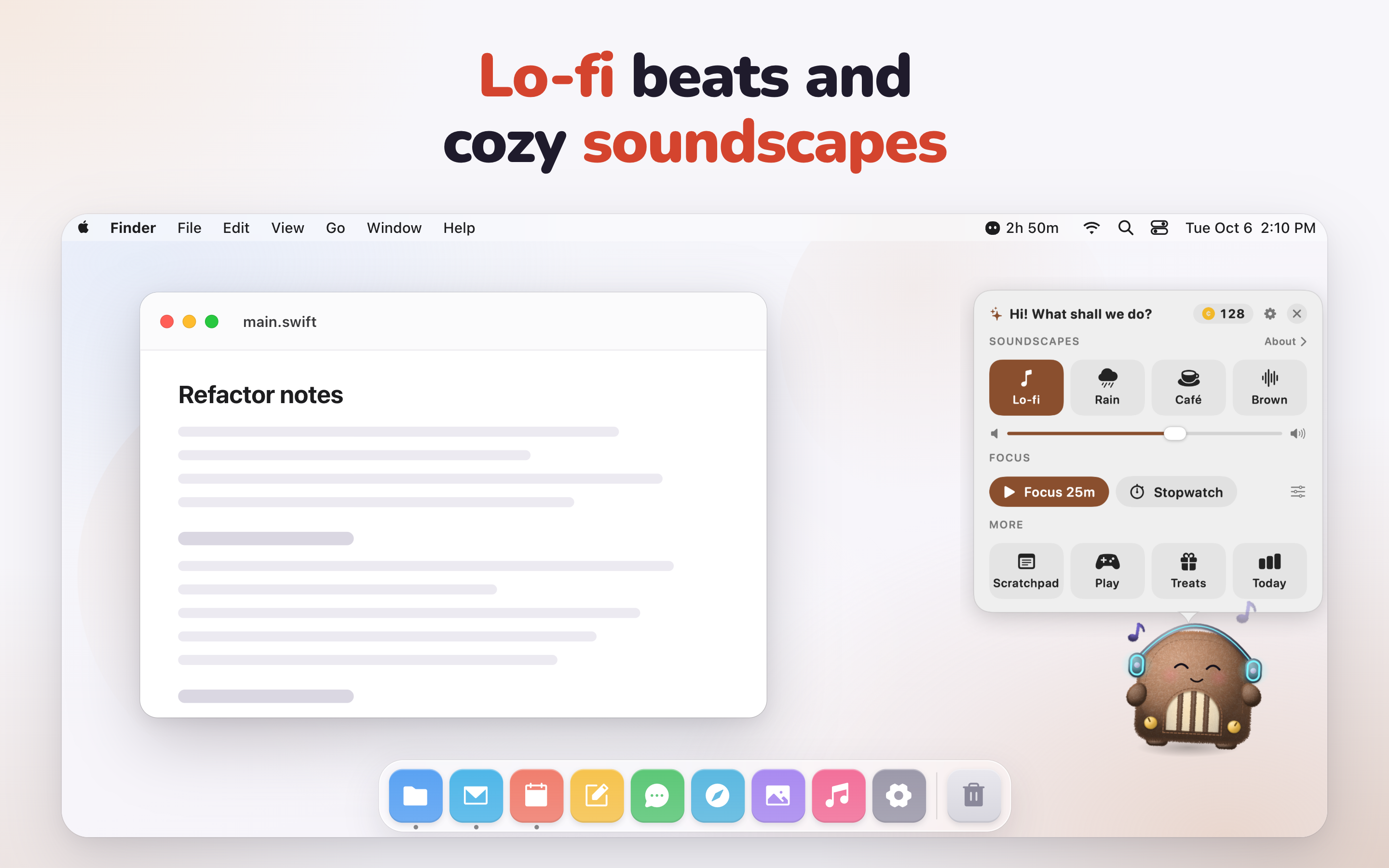
Lo-fi beats, rain, café and brown noise generated on your Mac (nothing streamed), a sticky scratchpad, a clipboard helper, 60-second break games and a daily summary of water, stretches and focus.
Light and private
Each pet is painted once, then animated by Core Animation: about 0.1% CPU and around 20 MB of memory. No account, no analytics, no ads. Your data stays on your Mac.
From the maker
Founder quote
When you're locked in deep focus, self-care is the first thing to slip away. I didn't want another jarring chime or intrusive popup; existing reminder apps just felt like more alarms to dismiss. Companion sits on your desktop like a gentle plush partner: nudging you to drink water, building sandcastles alongside your work, and cheering when you take a break. It makes staying healthy feel less like a chore and more like a shared daily routine.
Free to use in coverage
Downloads
The whole kit in one file
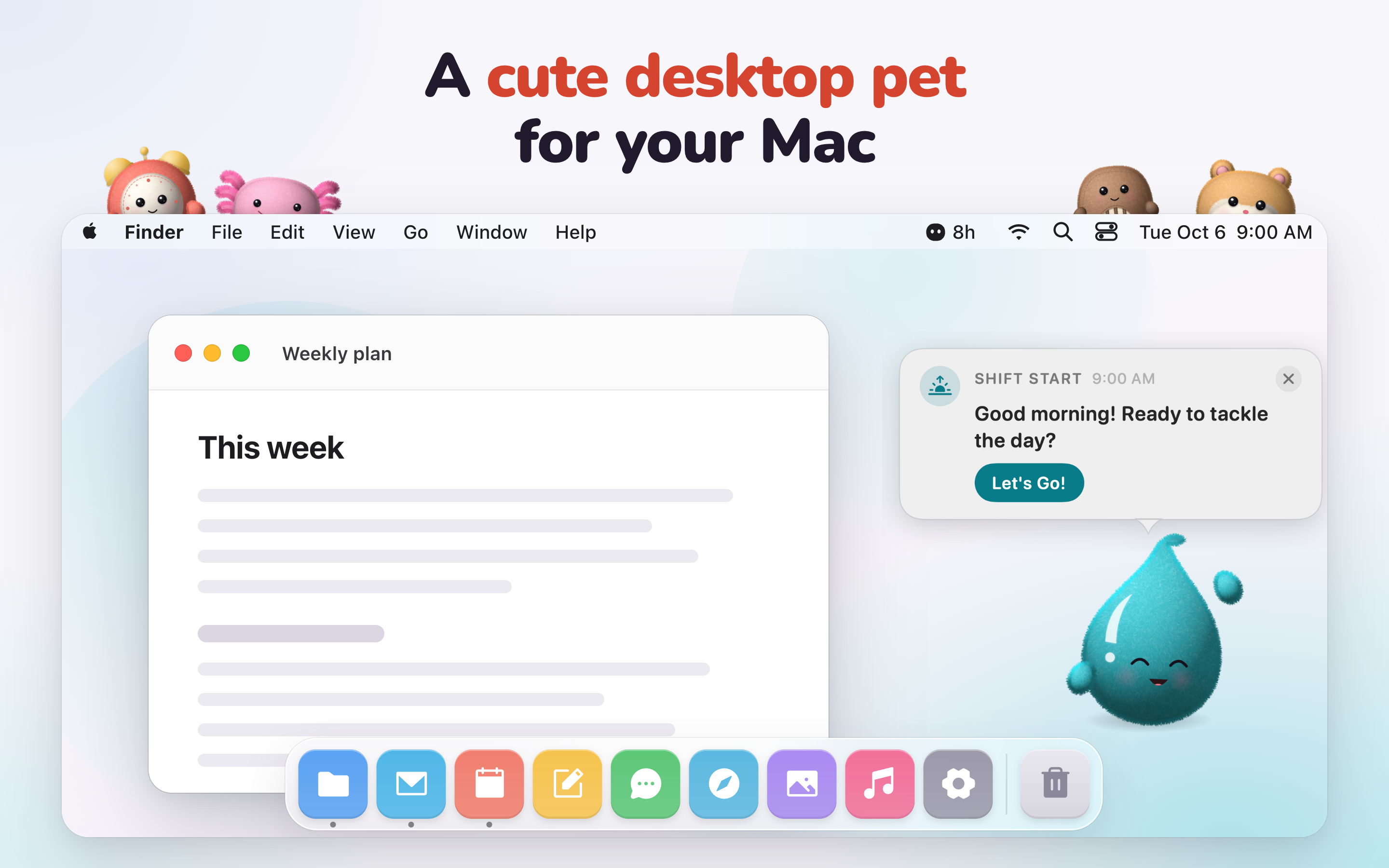
App icon, six full-size screenshots (2880×1800 PNG), both launch films and a plain-text fact sheet.
Screenshots
App icon and launch films
The films have no voice-over or captions; the music is original. Please don't alter the character art. Cropping and resizing are fine.
Get in touch
Contact
Questions, a review build or more art? Reach out through the website or write to hello@meetcompanion.app. Aneudy answers personally.